Overview

The view switcher component allows users to toggle between different content sections within the same space on the screen.
Usage
The view switcher is used to transit through different content panes dynamically.
To allow users to toggle between alternate views of similar or related content.
Only one content section is shown at a time.
To let users toggle between different formatting.
To narrow content groups.
Anatomy
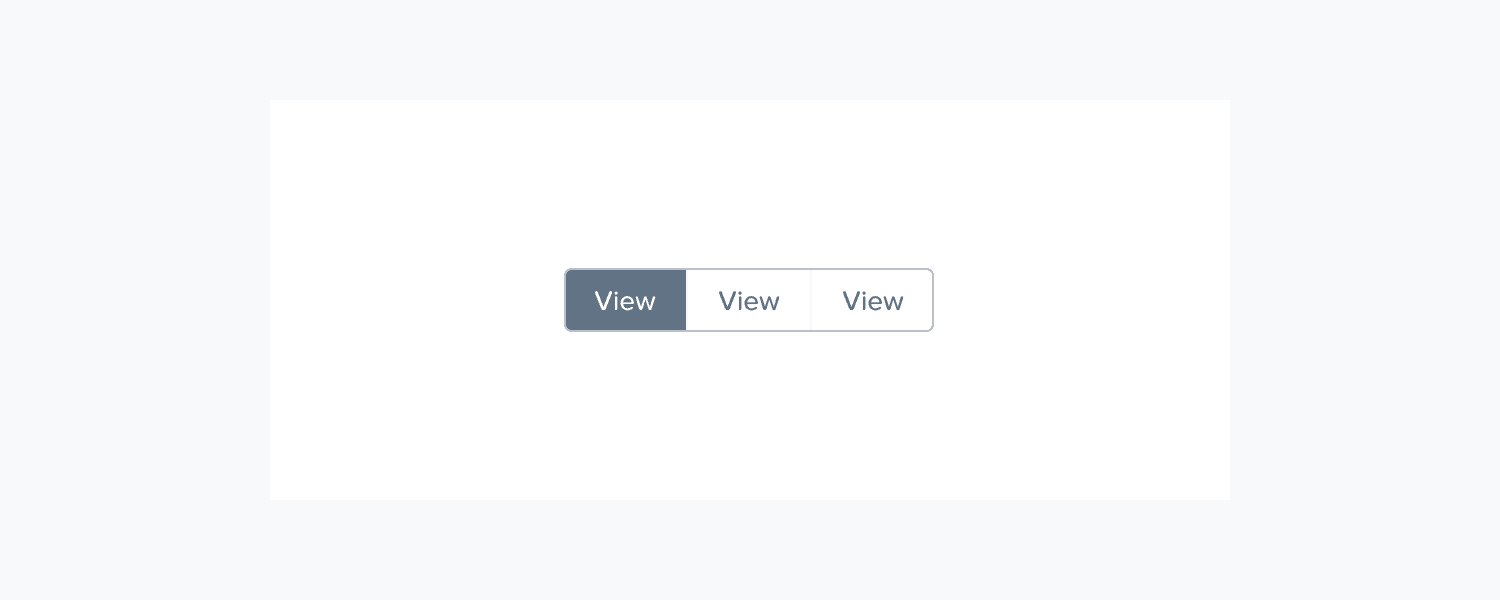
Container: The wrapper for the view options
View options: Selectable controls for each available view
Active indicator: Visual marker showing the current selection
Content area: The region where the selected view content is displayed
Variants
Text-based tabs
Icon-based options
Accessibility
Keyboard Navigation
[Tab] to get inside the currently selected view.
[→/←] to instantly navigate and select between views.
[Tab] to navigate to the next component.
Responsiveness
Overflowed tabs stack in a x more menu
Selected view is brought out from the more menu
For absolute minimum space, collapse everything into a single full width button, with a label “Current View”
