Overview
The Calendar component provides a visual interface for date selection and navigation, displaying dates in a monthly grid format with various states and interaction options.
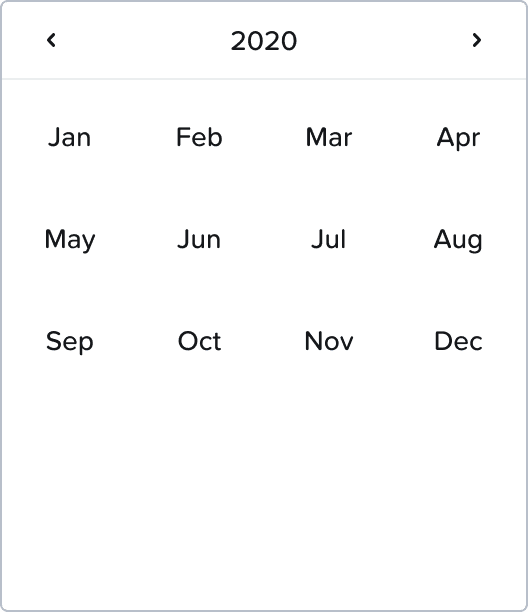
States
The Calendar includes various states for dates:
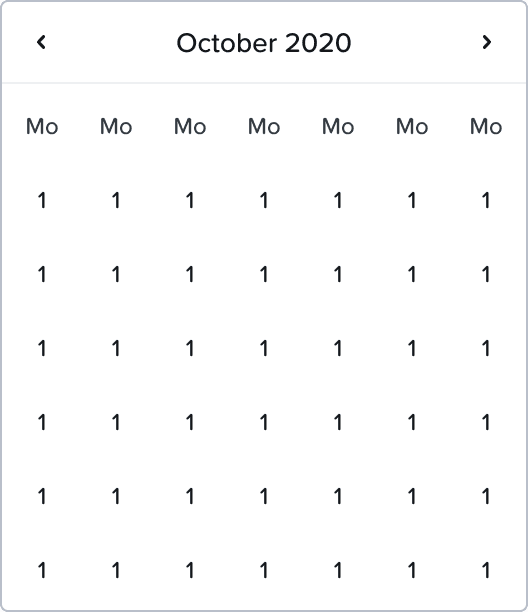 | |
Normal: Default state for calendar dates
Hover: Visual feedback when hovering over a date
Focus: Currently focused date (highlighted with blue)
Day Name: Days of the week header (Sun, Mon, Tue, etc.)
Today: Current date indicator
Day Other Month: Dates from adjacent months
Focus Indicator: Visual element showing keyboard focus
Focus selected: Visual indication for the selected date
Header States
Month/year headers display in different states:
Idle
Hover
Active
Focus
Focus + Hover
Disabled
Accessibility
Keyboard Navigation
The right panel shows keyboard navigation patterns:
Left navigation
Month/Year:
Return to today (Space) to interact
Focus on last
Right Chevron
Calendar:
Focus on selected day
Focus on today if no day is selected
[←/↑/→/↓] to navigate between days
Considerations
The component includes focus states and keyboard navigation patterns to ensure accessibility, with clear visual indicators for the current selection and focus position.
This comprehensive Calendar design shows careful consideration for different use contexts, states, and accessibility requirements to create a consistent user experience.