Overview
Status Indicators visually communicate the state or condition of an element using colors and/or icons.

Usage
Status indicators are used to show the status or state of an item, often in tables or lists.
Variants & Props
Icon Variants
Icons are used as a primary visual indicator next to color to show status when text alone isn't showing status, like in badges for example. Icons can be customized to use any icons or colors existing in the library.

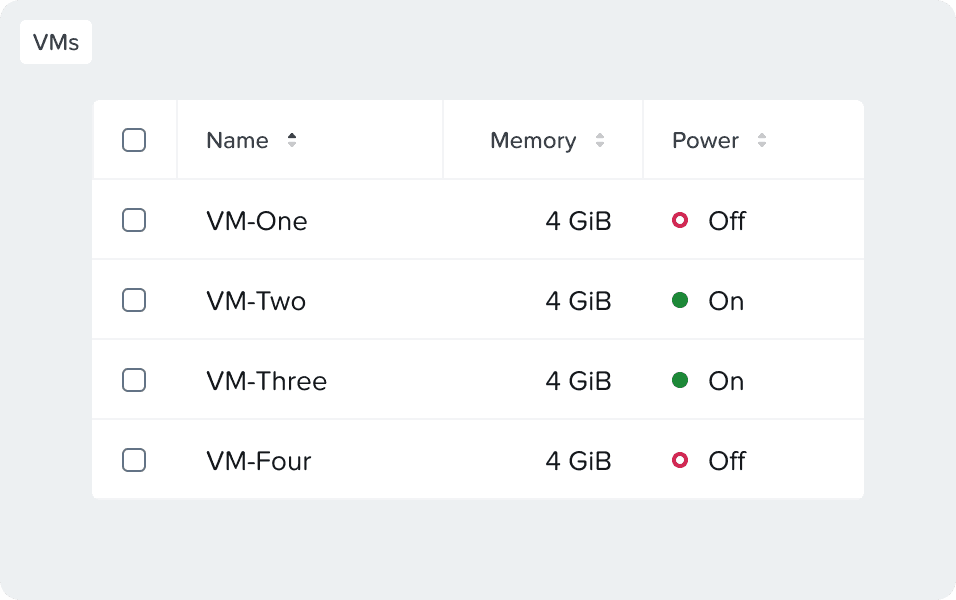
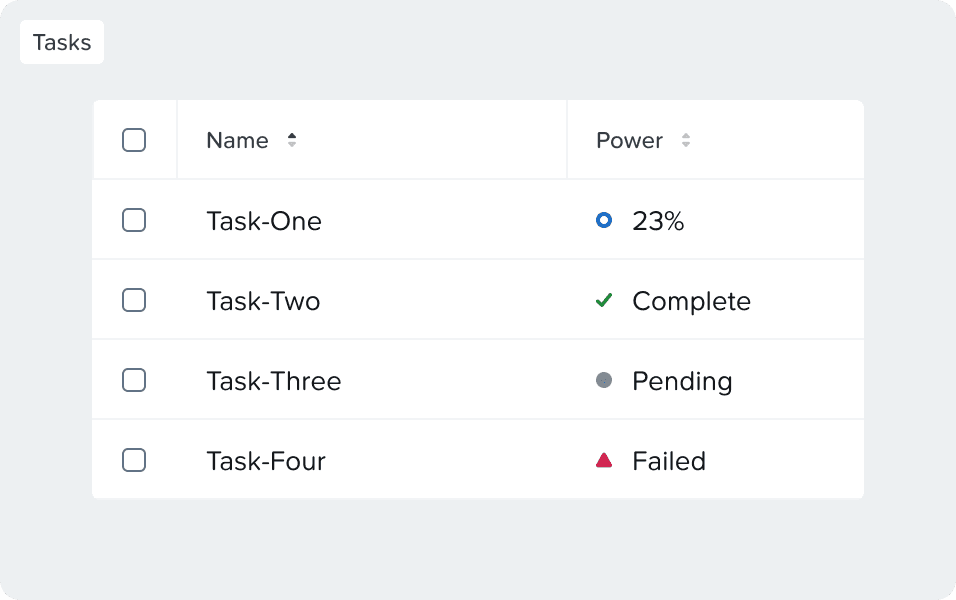
Symbol Variants
Symbol variants are used in more dense places like tables to support already explicit text. Although not recommended, symbols could use different colors depending on the usage.

 |  |
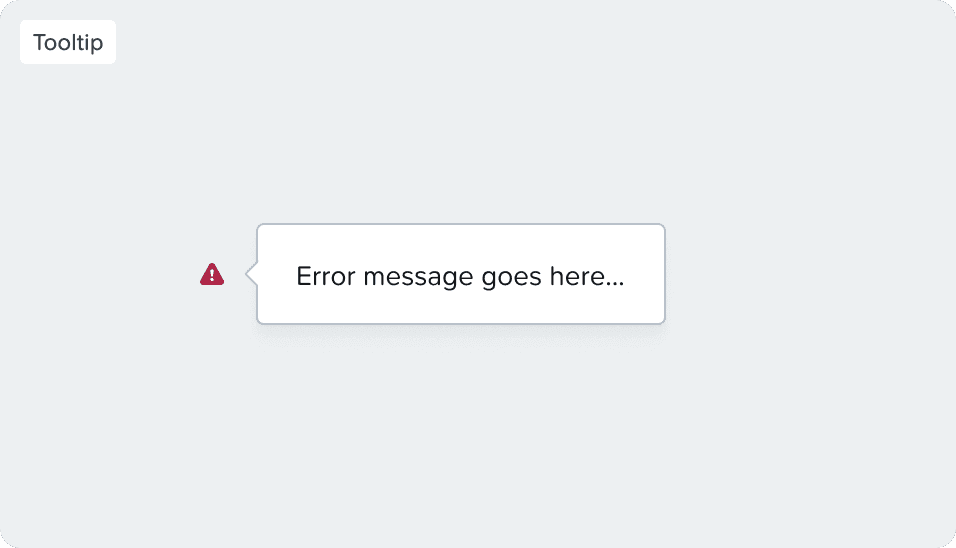
Tooltip
By default, the component uses a tooltip on hover to show additional information. It’s highly recommended to avoid having any interactive content inside the status icon, always try to show the content upfront.
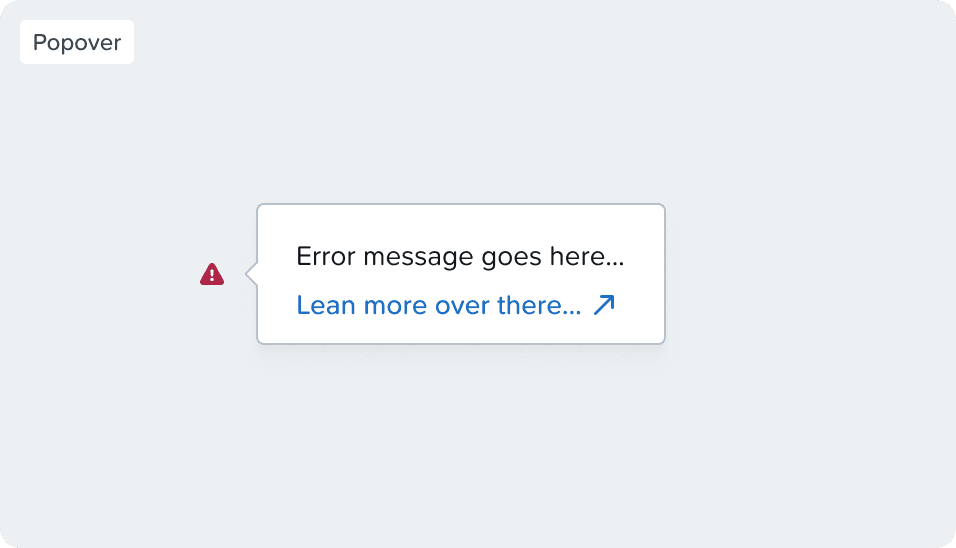
Popover
In case you need to place an interactive element like a link inside the tooltip, use a popover instead. Links don’t work in tooltips as they are inaccessible to keyboard navigation users, while popovers are.