Content Guidelines
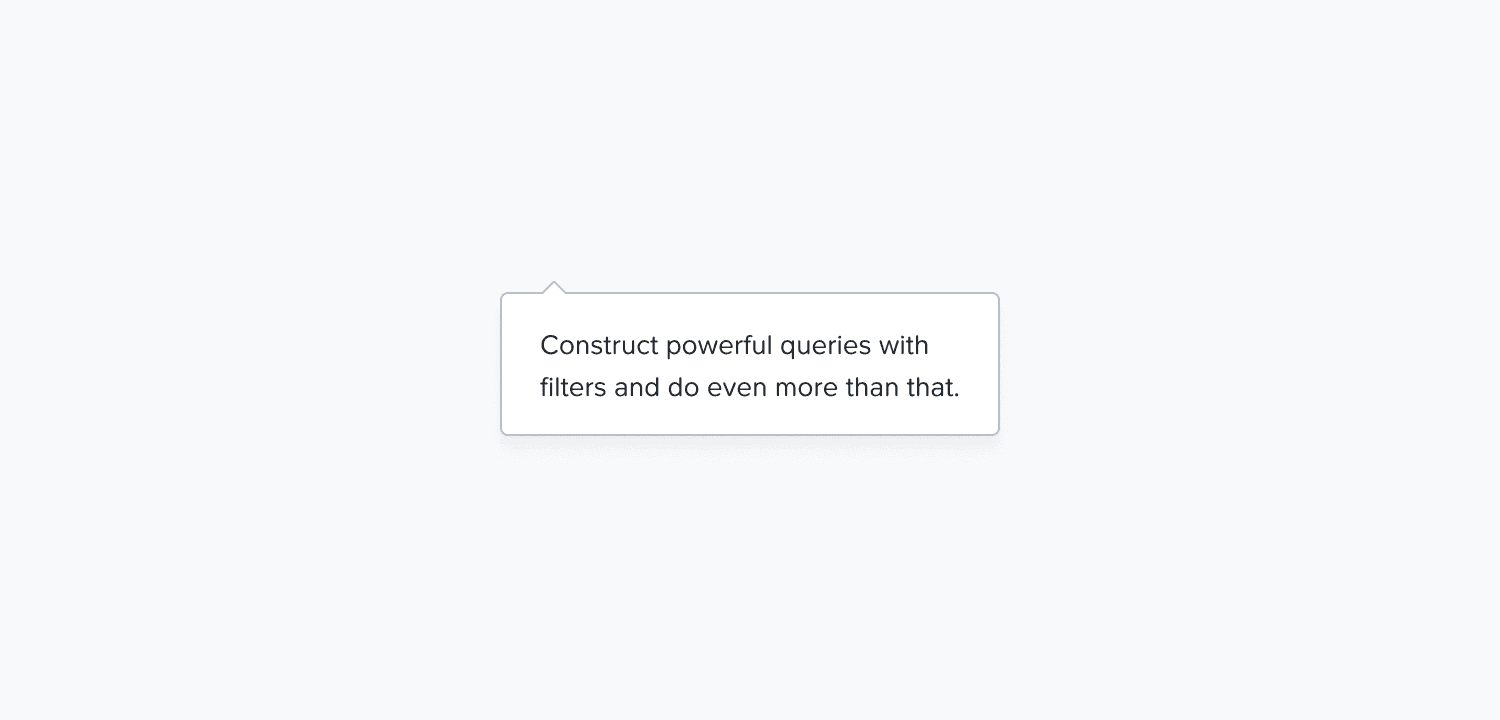
We use tooltips to provide clarity on complex actions/terms, additional information, and educational explanations to further guide the user about any action or aspect of the user flow.
Note: We do not use tooltips to hide or conceal any type of information that might be critical for the user.
We follow these basic rules while writing content for tooltips:
Voice: Be insightful and clear; do not use heavy jargon.
Tone: Be helpful while giving information or instruction to the user.
Language: US English
Voice Structure: Active voice
Casing: Both title and description in sentence case, and keep proper nouns as is.
Punctuation: Use no period for short sentences or sentence fragments. Use full punctuation only when the message is a complete sentence. Do not use exclamation (!) and ellipsis (…).
Words and phrases to avoid: Please, successfully, oops, sorry, uh-oh, something went wrong, you shall, you can, did you know?
Structure of an effective tooltip message
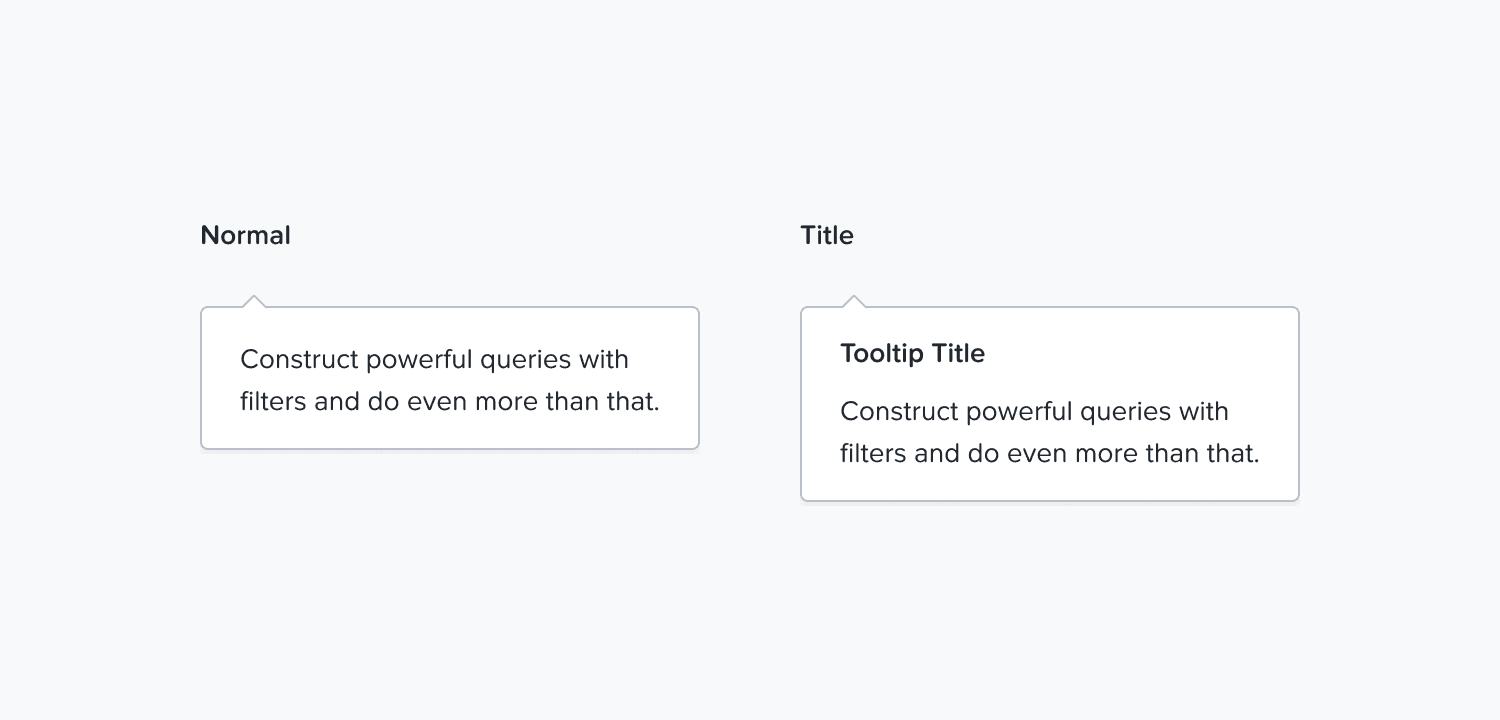
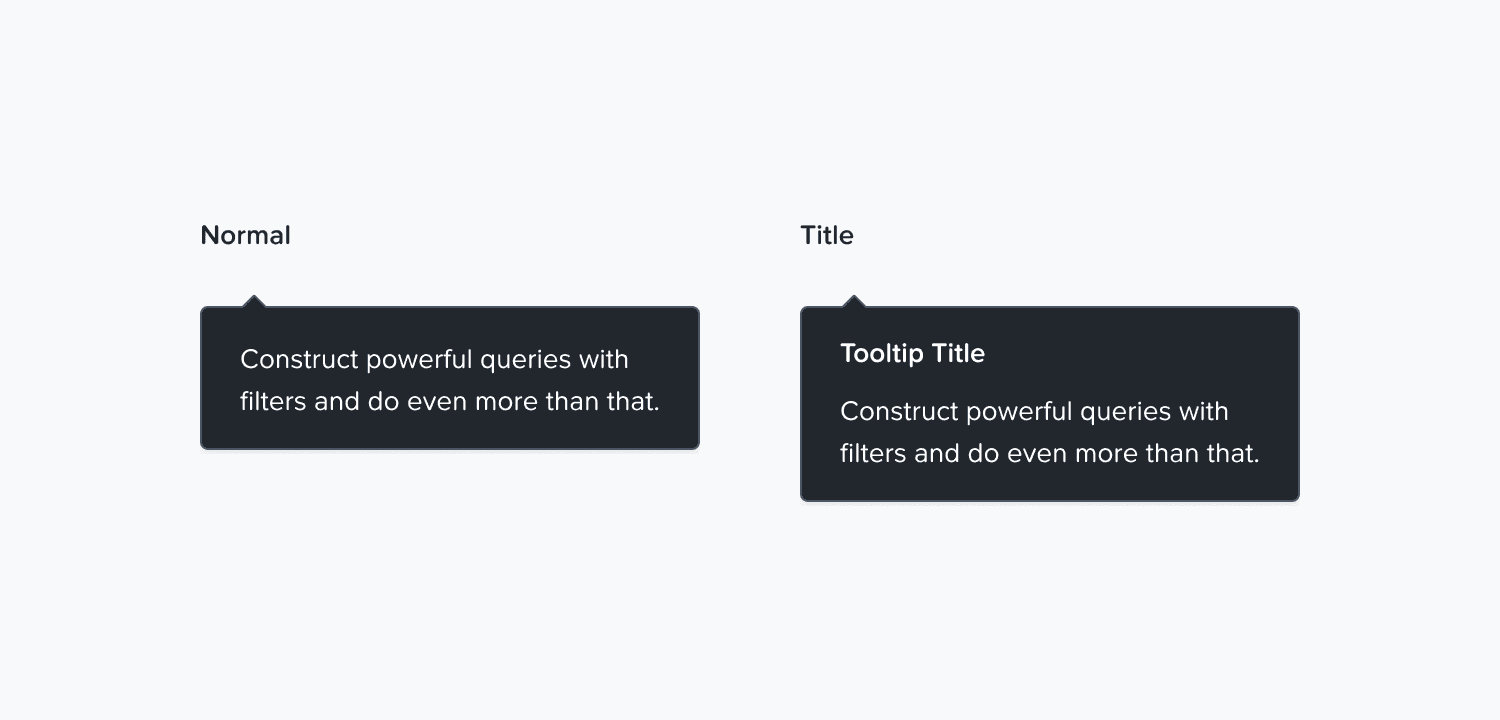
We have 2 variants of the tooltip- normal and with a title.
The normal variant is used to:
Explain why an action is disabled
Provide additional information about a field or setting
Guide the user to take the required actions on the page
Clarify behavior or conditions without interrupting workflow
Example
Scenario: A button is disabled for the user
Approach: Tell the user what they can do to enable it
Message: Configure at least one VLAN to enable network segmentation
The title variant is used for:
Onboarding flows
Product walkthroughs
Feature introductions
Scenarios where users need both a label and a supporting explanation
Example
Scenario: When a user is going through a new product feature, say, targeted inventory
Approach: Use the title to say what the tooltip is about and expand on it in the description
Heading: Choose inventory type
Description: Run 'Full Inventory' for a complete check. Use 'Targeted Inventory' to scan specific parts of the cluster faster.