Overview

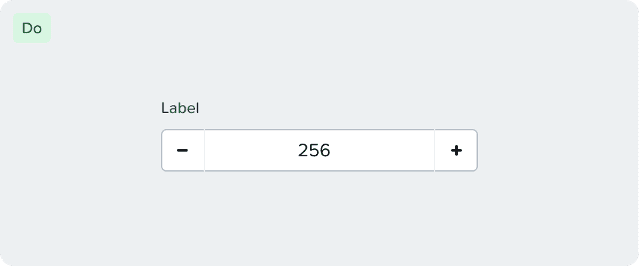
The Number Input component is a specialized input field designed for numerical data entry. It provides controls for incrementing and decrementing values, ensuring users can only enter valid numerical values.
Content Guidelines
Number inputs allow users to enter numeric values such as limits, counts, sizes, or thresholds.
The content around number fields must clearly communicate what value is required, in what unit, and within which range, if there is any such constraint.
We follow these basic rules while writing content for number inputs:
Labels
Use clear and concise labels that describe exactly what number the user needs to enter.
Avoid vague terms that might require additional information.
Units of measurement
Include units of measurement in the label or as a suffix when applicable.
Write units as used in the product (for example, GB, vCPUs, ms).
Do not spell out units unless required.
Ranges and constraints
For range-limited inputs, display the allowed range in the help or inline text.
Make sure the constraints are highlighted in a way that they are clearly visible before the user enters a value.
Number formatting
Do not use a leading zero for single-digit numbers.
✅ 5
❌ 05
Accessibility
General
Provide engineers with labels for the decrease/increase controls
All inputs must have a visible and programmatic label

Formatting
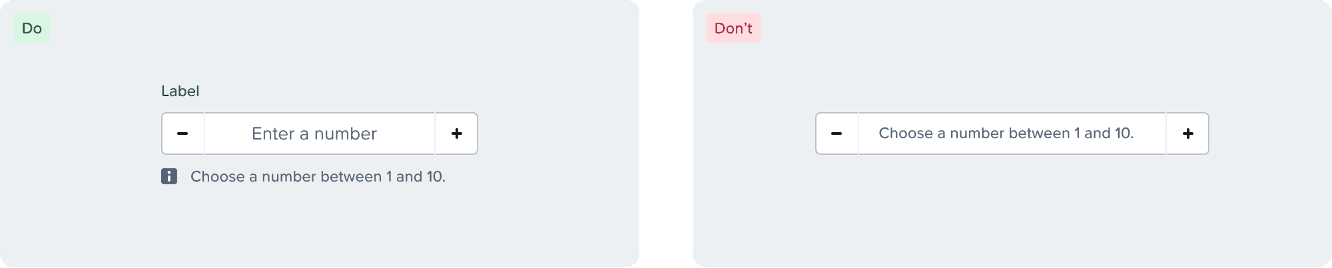
Formatting requirements should be displayed in a persistent manner (not as placeholder text that is replaced as the user enters data)
Use of Color
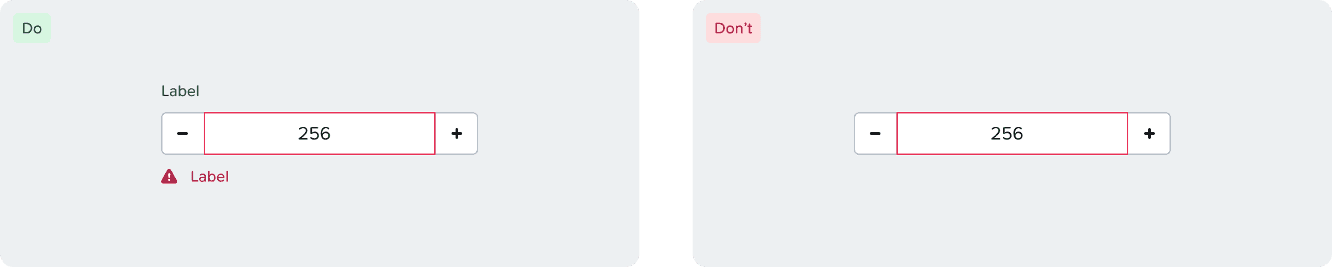
Error and warning messages should use appropriate icons with text as to not rely on color as the only means of indicating error.
Keyboard Interaction
Up/Down arrows to increment/decrement values
Home/End keys to set min/max values
Tab navigation between the input field and controls
Ensuring screen readers announce value changes when using increment/decrement controls
Responsiveness
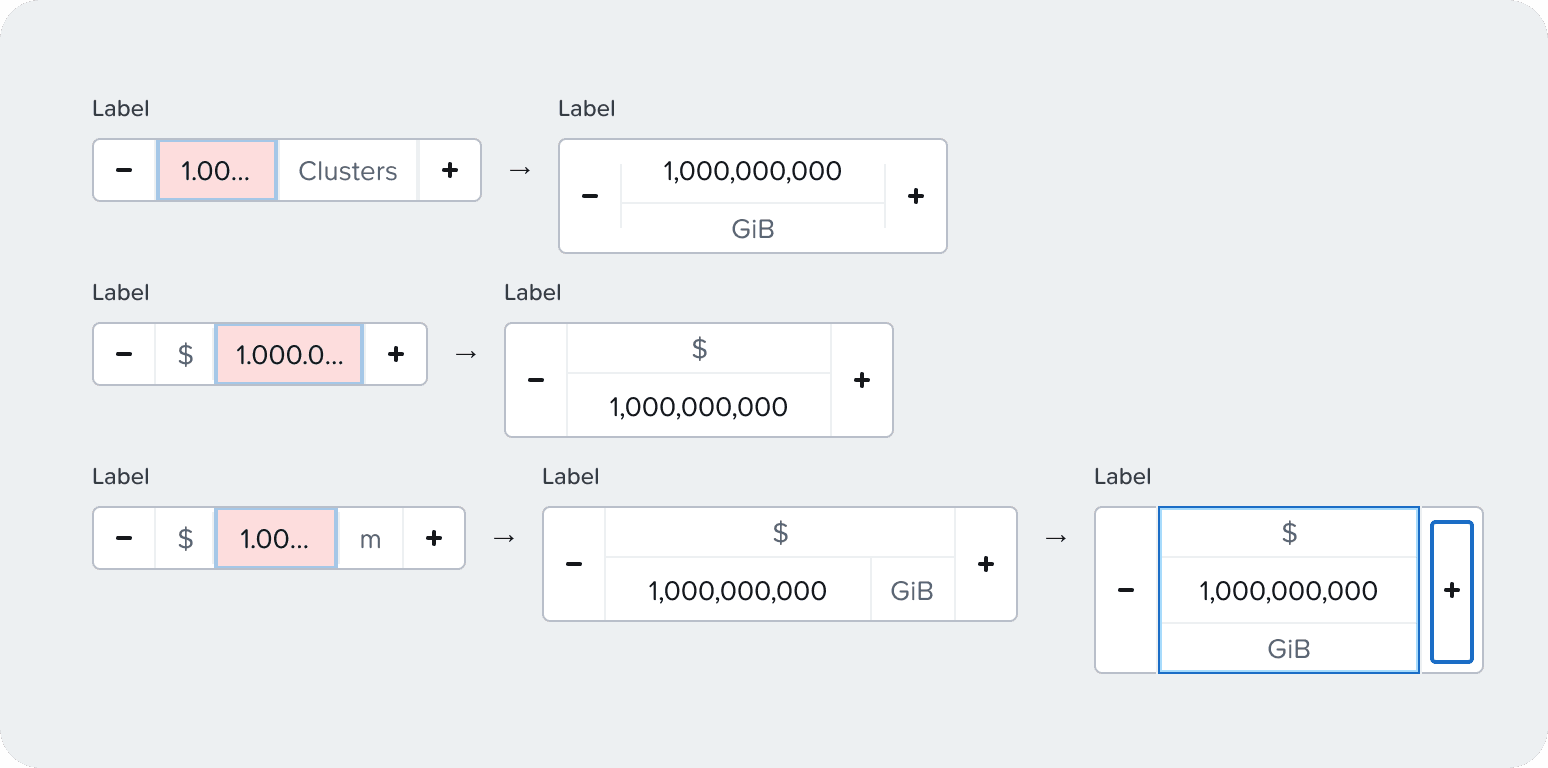
By default the normal variant doesn’t have a minimum width
When a suffix is applied, a min-input-s is applied on the input
The token or minimum value can be customized
Stack suffix underneath when there’s no space for the input