Checkbox

Overview
Checkboxes allow users to select one or multiple items from a list of individual items.
Usage
Checkboxes are used when there are multiple items to select in a list. Users can select zero, one, or any number of items.
For providing multiple selectable choices.
To let the user select one or more options from a list.
States
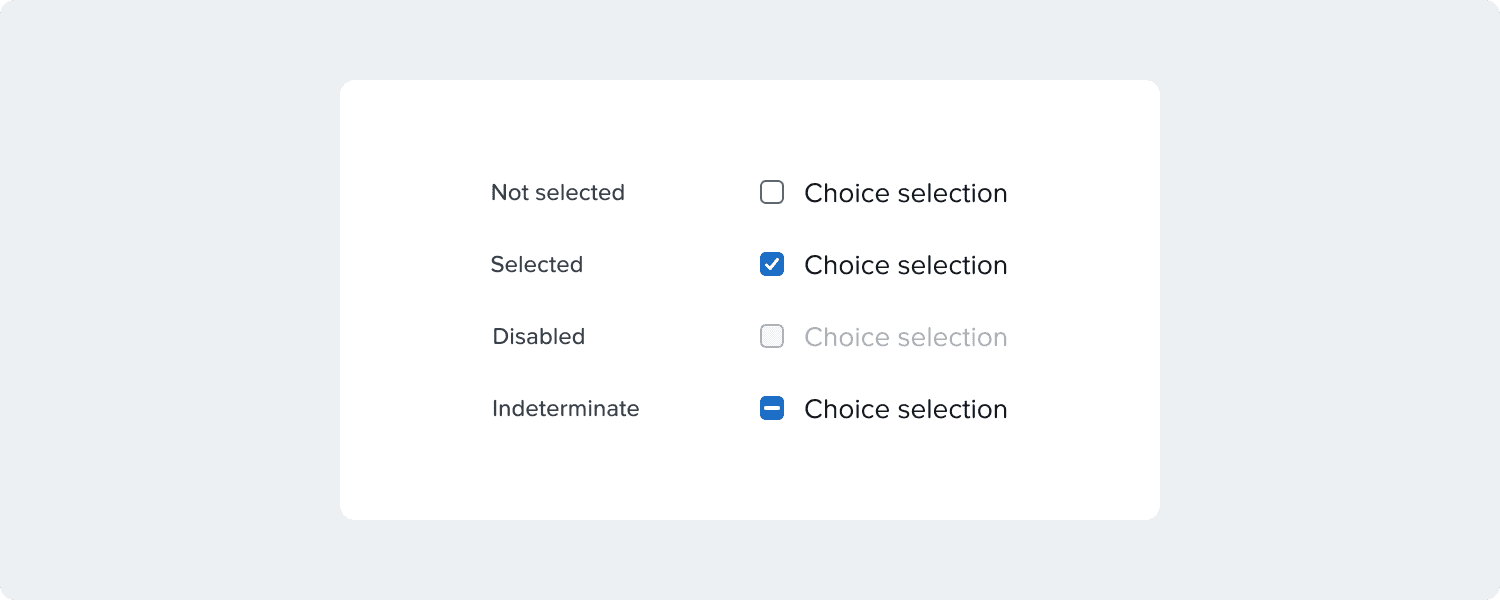
Checkboxes can be selected, unselected, disabled, or indeterminate.
Second Level
Checkboxes can have a parent-child relationship with other checkboxes and other content.


Radio
Overview
Radio buttons allow users to select one option from a list of options.
Usage
Radio buttons are used for mutually exclusive choices.
DO
Use it to select a single option from a list.
Only one radio button can be selected at a time.
DON'T
Do not use it for multiple choices.
If a user can select many options from a list, use checkboxes instead of radio buttons.
States
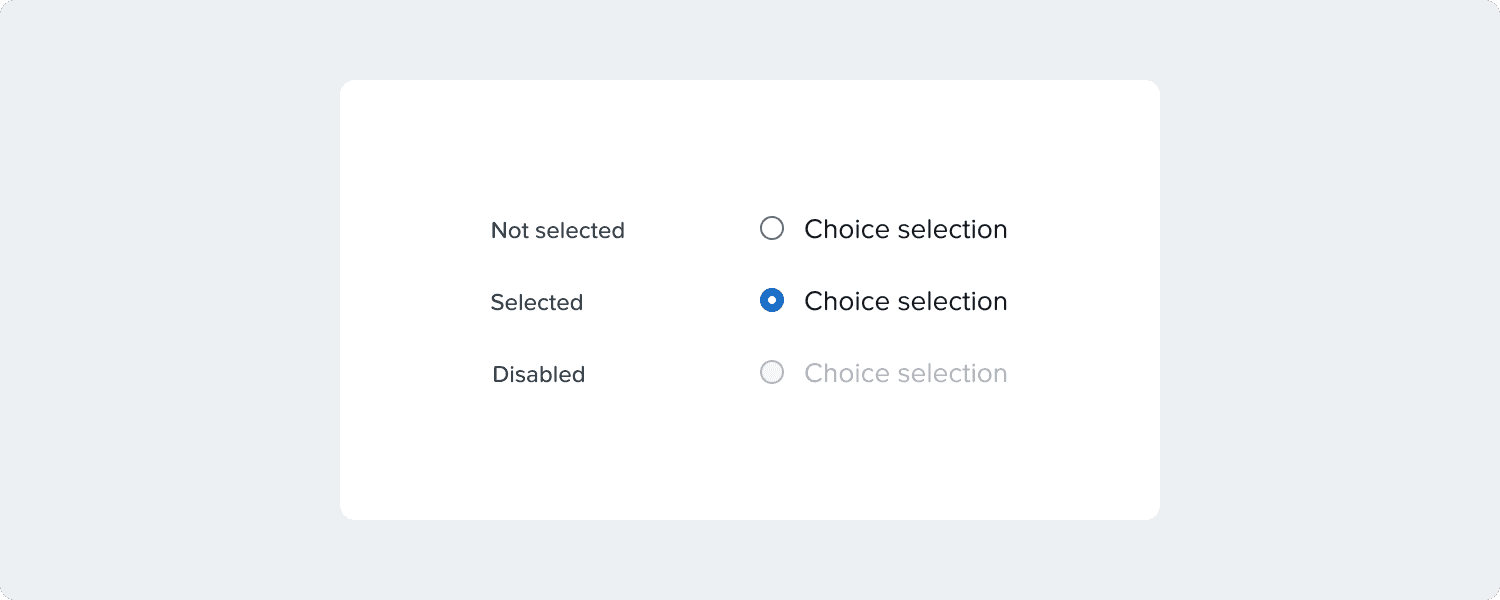
Radio buttons can be selected, not selected, or disabled.
Second Level
Radios can have a parent-child relationship with other radio buttons and other content.


Toggle

Overview
A toggle is used to quickly switch between two possible states.
Usage
A toggle is used to switch the state of a single item on or off.
Commonly used for "on/off" switches.
Only used for binary actions.
Actions are executed right away.
States
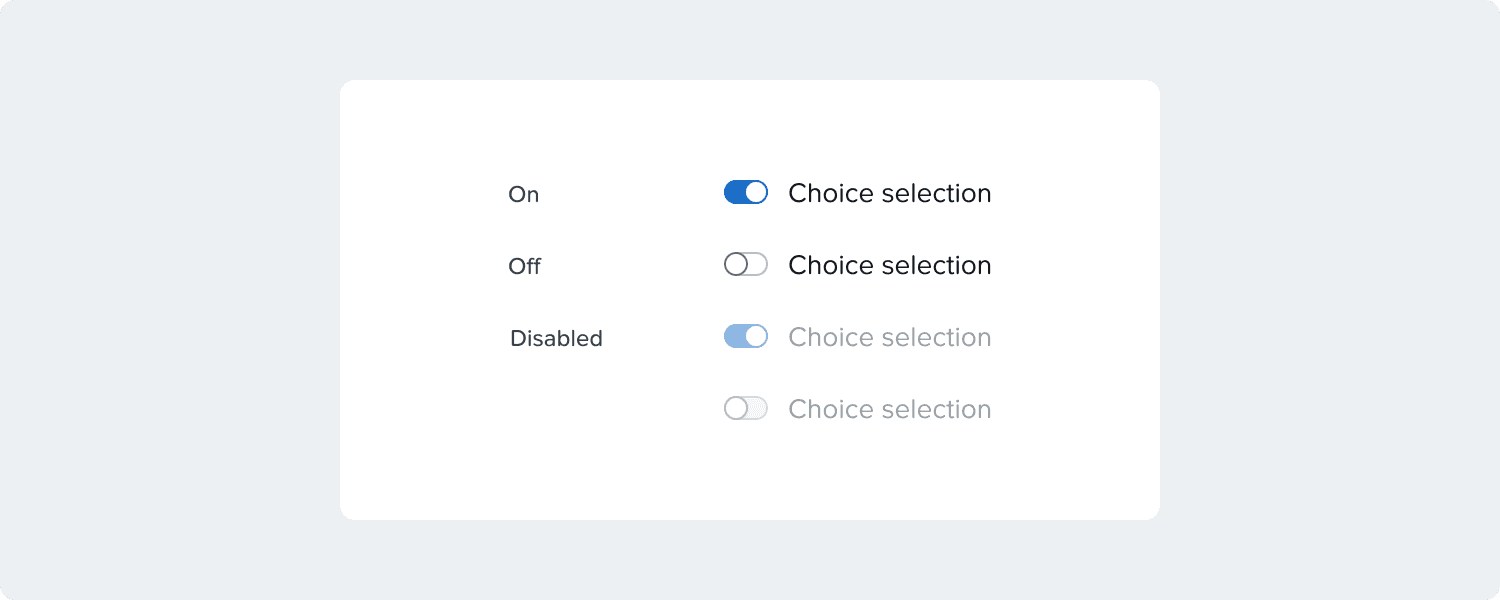
Toggles can be on, off, or disabled.
Accessibility
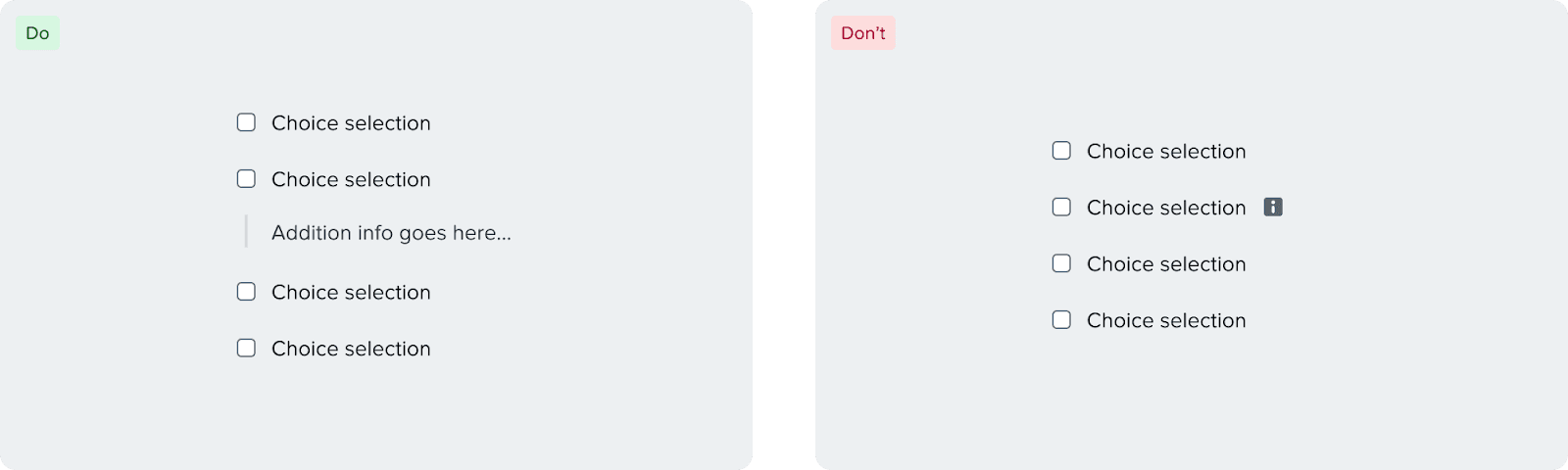
When writing additional information for checkboxes, it’s recommended to show the information upfront instead of hiding information inside tooltips.
Using tooltips is not recommended for two reasons:
It’s more readable if the information is shown upfront instead of hiding it inside tooltips.
Tooltips break focus order if you’re using a checkbox group.
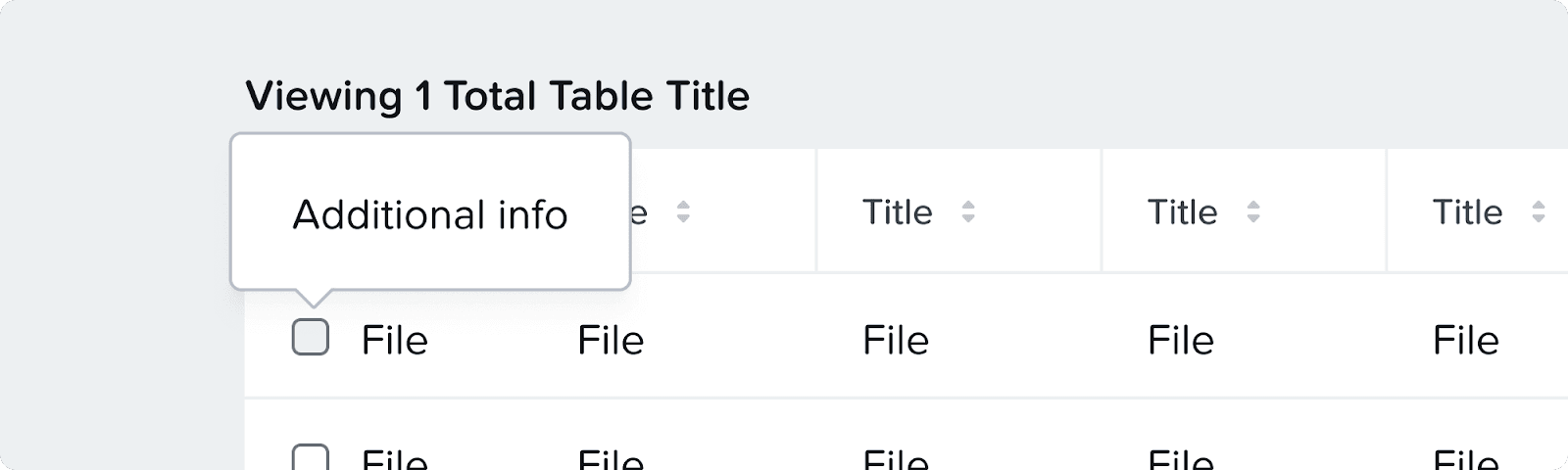
If absolutely necessary, you can use tooltips either through an icon or the checkbox directly in places where the space is limited like tables.
Responsiveness
Horizontal radio will wrap if there is not enough space
Text will wrap if there is not enough spaceHorizontal radio will wrap if there is not enough space

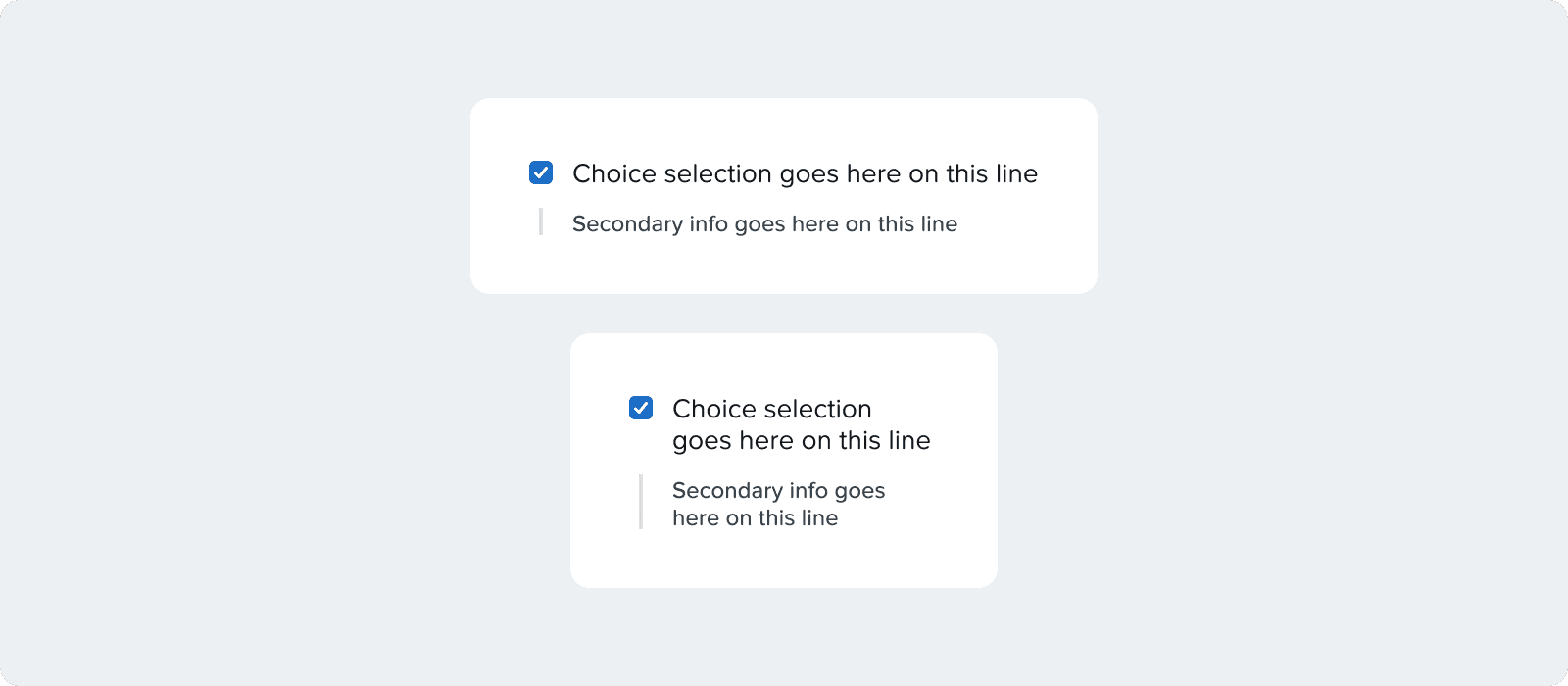
Checkbox/toggle text and help text will wrap when there’s not enough space