Overview
The anchor menu component provides orienting anchor links on the page, allowing the user to navigate the content more easily.

Usage
The anchor menu lets the user quickly switch between sections without leaving the page.
Only used for heavy content pages.
To support quick access to deeper-level content without scrolling the entire page.
Anatomy
The component appears to be a vertical or horizontal navigation menu with links to different sections of the page, though specific anatomy details are limited in the documentation provided.
Variants
Each state category includes several variations:
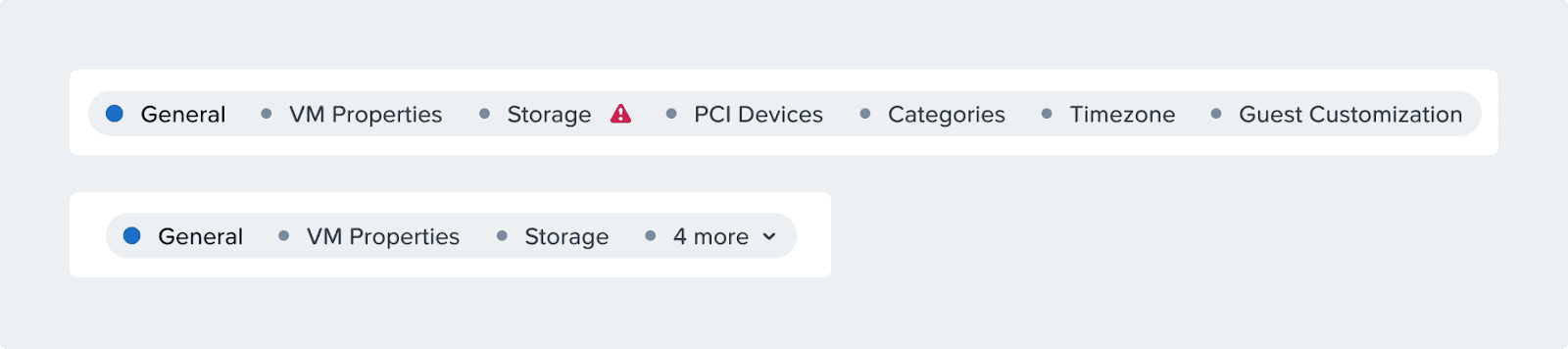
Active: Primary interactive state (shown with blue dots)
Inactive: Secondary or unselected state (shown with gray dots)
Inactive + Error: Error state for unselected items (shown with gray dots and red error icons)
Disabled: Non-interactive state with different styling
Disabled + Error: Error indication on non-interactive elements
Positioning
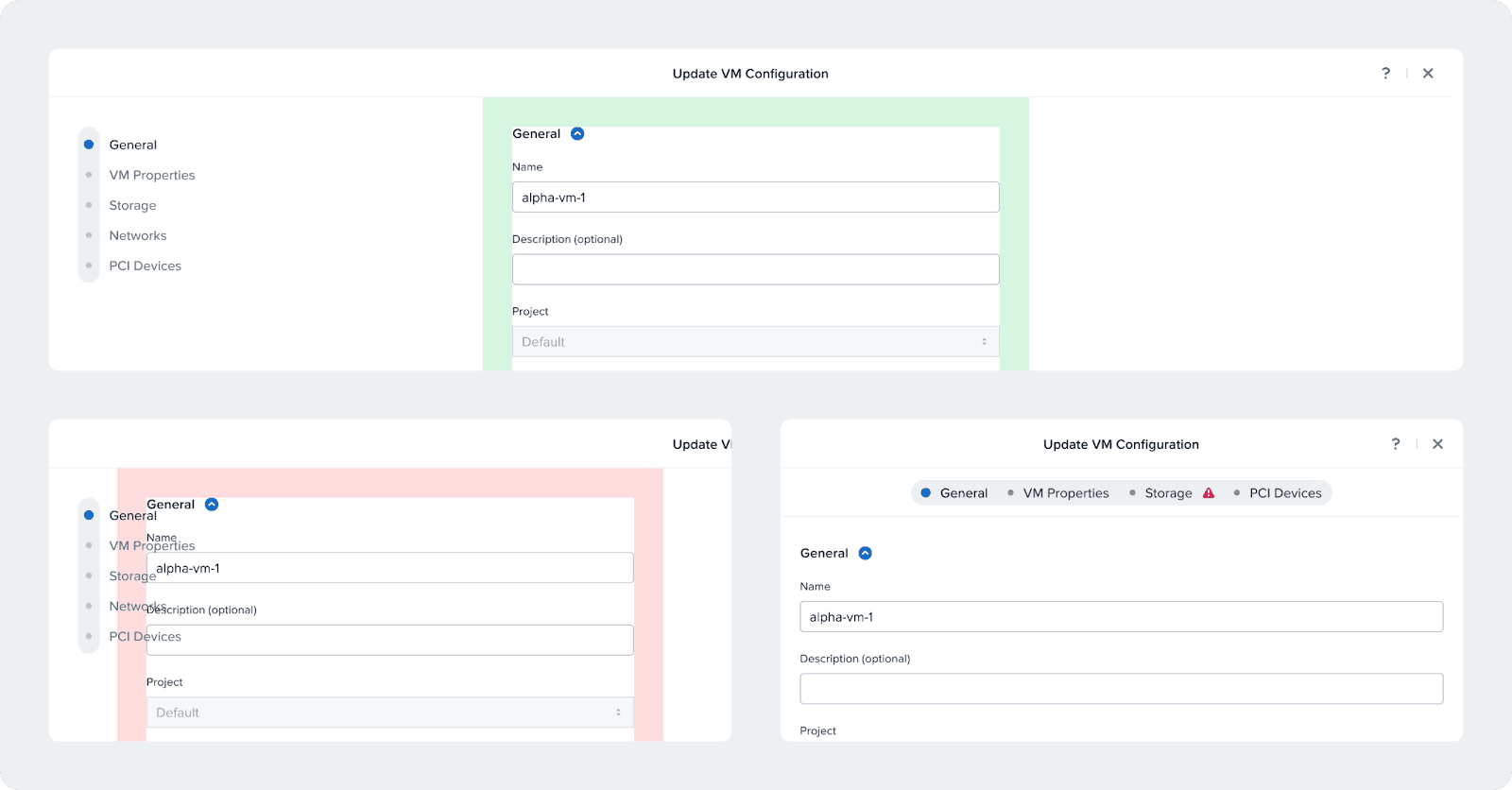
Left
Place on the left when in pages where there’s a single column layout and the menu won’t compete with the content
Right
Place on the right in content-dense pages where the main content needs a lot of space
Accessibility
Keyboard Navigation
[Tab] to navigate between anchors
[Enter] or [Space] to interact
Move focus to the selected section on interaction.
Responsiveness
The anchor menu will have a vertical variant that can be placed as a subheader. You can switch to at your chosen breakpoint, depending on how long the names are and how wide your form is.