Menu

23.4

Menu component provides navigation options in a structured forma

Menu

23.4

Menu component provides navigation options in a structured forma

Menu

23.4

Menu component provides navigation options in a structured forma

Overview

The Menu component provides navigation options in a structured format, allowing users to move between different areas of the application or select from a set of options.

Usage

Menus are used to provide a list of navigation choices or actions for users to select from. They can be:

  • Primary navigation for an application

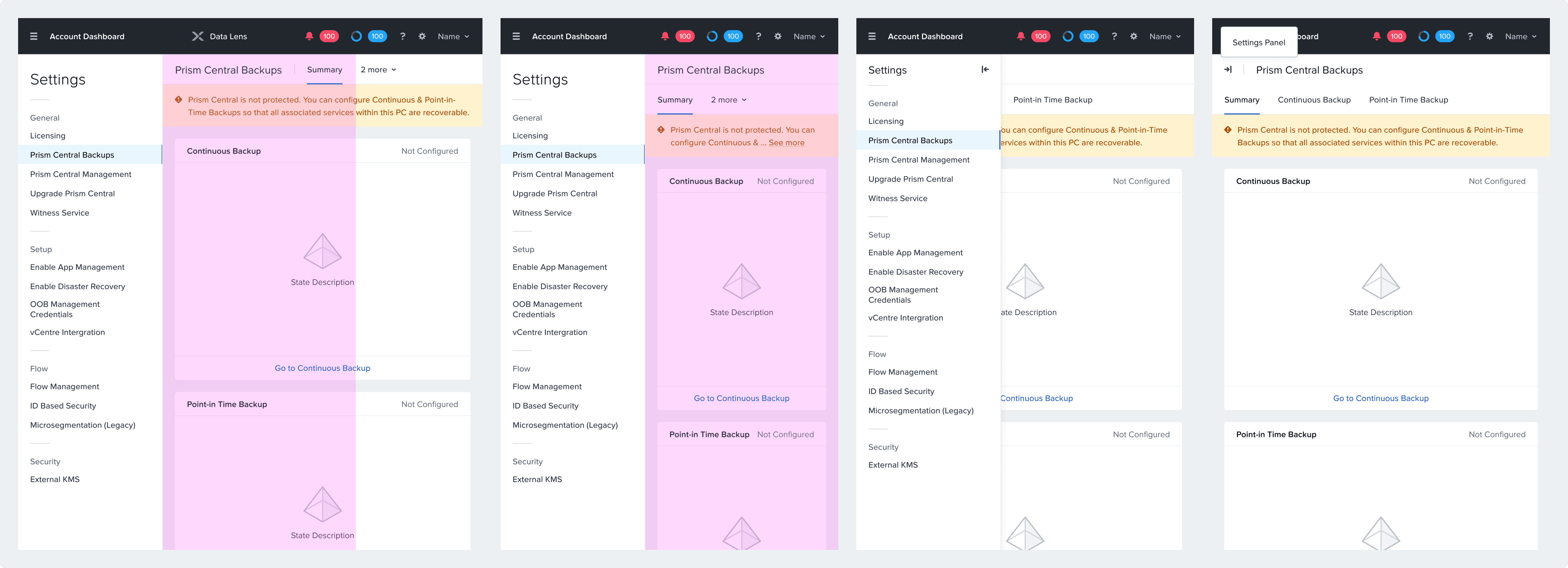
  • Secondary navigation within a section

  • Contextual options in a dropdown

Anatomy

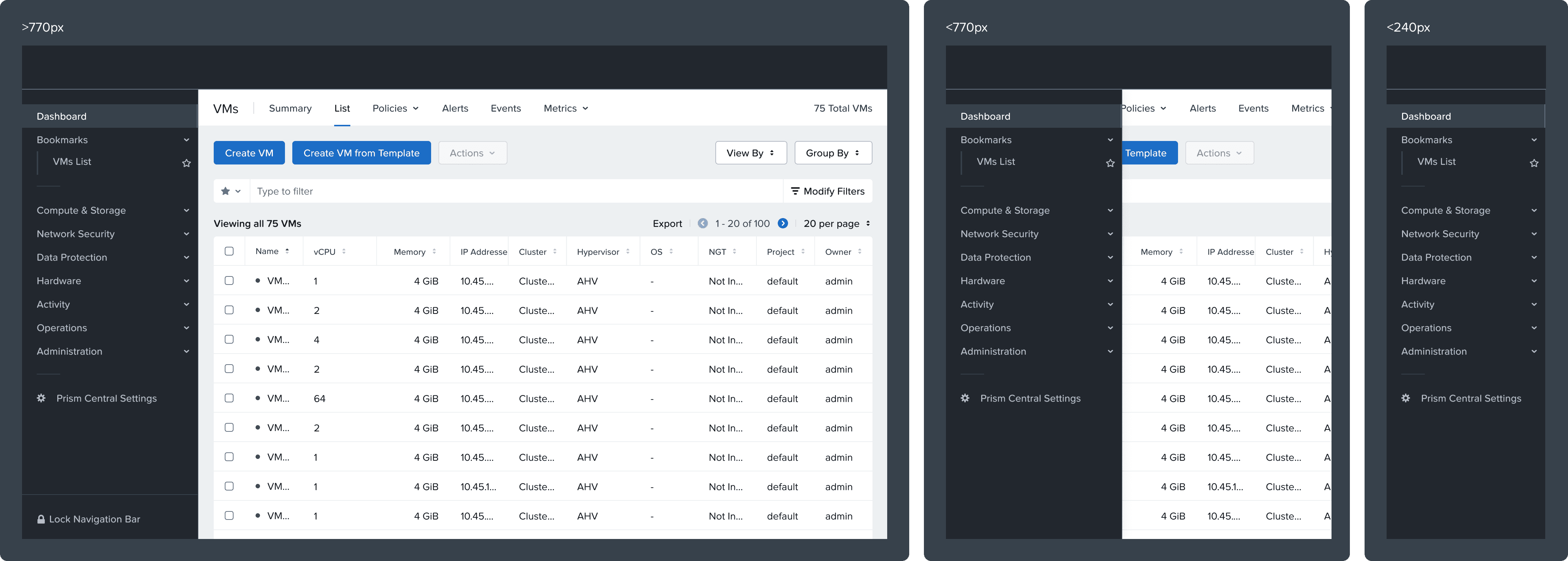
  1. Container: The wrapper that houses all menu elements

  2. Menu Items: Individual selectable navigation options

  3. Icons: Visual indicators or status markers for menu items

  4. Grouping Headers: Section titles for grouped menu items

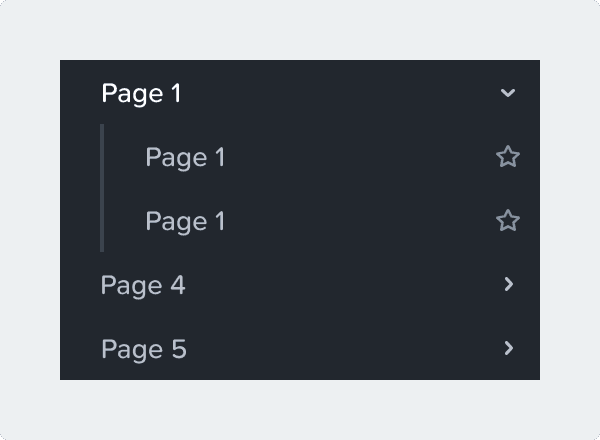
  5. Chevrons: Indicators for expandable/collapsible menu sections

  6. Selection Indicators: Visual markers showing the current active item

  7. Navigation Bar: Optional footer with additional controls ("Lock Navigation Bar")


Variants

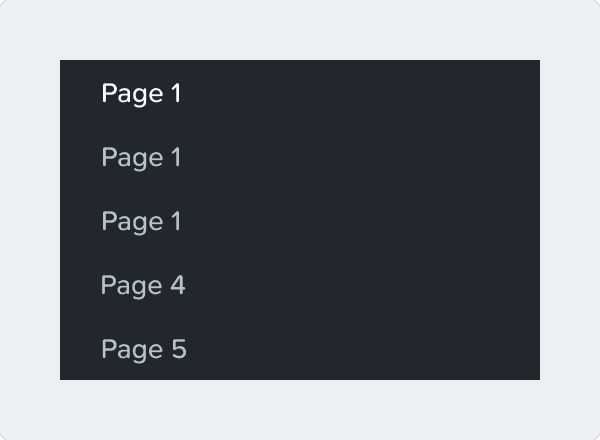
  • Standard menu (main)


  • Collapsible menus (expandable/collapsible sections)


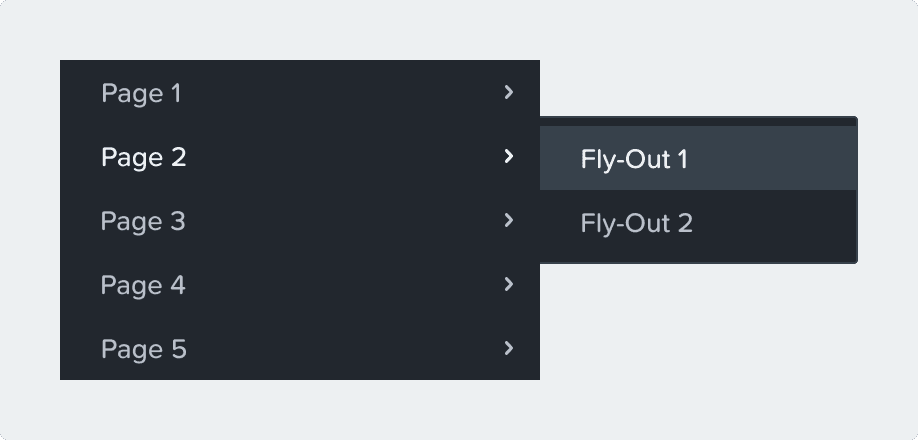
  • Fly-out menu (with nested submenus)

Content Guidelines

  • Make sure that the content is short and concise. The menu should be able to where to go at a glance.

  • Make sure the names don't start with a repeating word (Example: Policy, Management, etc…)

Accessibility

General

  • Collapsed/Expanded states must be announced to screen reader users

  • Menu uses a visual indicator other than color to signal actively selected items

Keyboard Navigation

  • Main

    • [Tab] to navigate into the listbox

      • If none of the listbox items are selected, focus on the first selectable item

      • If a listbox item is selected, focus on that one

    • If you tab in, out, and in again, retain focus on last item that was focused

    • [↑/↓] choose previous/next page

    • [Enter] or [space] to select page

    • [Tab] focuses on next component

  • Collapsible Menus

    • [Enter] or [space] to expand or collapse

  • Fly-out Menu

    • [←/→] to enter or leave submenu

    • Show nested menu on focus

    • Return to main menu on click

    • [Esc] or [←] to return to main menu

PC Nav Menu

  • [Tab] to navigate into the list

  • If none of the list items are selected, focus on the first selectable item.

  • If a list item is selected, focus on that one.

  • If a list item has a tooltip that appears on hover, show the tooltip on focus.

  • [Esc] to remove tooltip.

  • [Tab] to navigate between list items

  • [Tab] to navigate between components inside list items

  • [Enter] or [Space] to activate list item.

Help make this page more useful.

Help make this page more useful.

Help make this page more useful.