Nutanix Soft
Nutanix Soft is our exclusive brand typeface, custom-designed to embody our brand personality while improving upon Proxima Nova's legibility at smaller sizes. As the cornerstone of our visual identity, this typeface creates consistency and reinforces brand recognition across all our digital products.

Brand Typeface
Exclusive Usage: Nutanix Soft is the only typeface used throughout our design system
Universal Application: Used for all titles, copy, navigation, form elements, and buttons
Custom Design: Created specifically for our brand to improve legibility and reflect our personality
Improved Legibility: Performs better than Proxima Nova at smaller sizes, ensuring readability across devices
Weight Usage
Our typography system uses a carefully selected range of font weights to create hierarchy while maintaining consistency:
Regular (400): Primary weight for body text and general content
Medium (500): Used for emphasis and secondary headings
Semibold (600): Used for primary headings and key interactive elements
Thin (100): Reserved exclusively for large titles and display text
Note: The use of italic styling is not supported in our system.
Titles
Headings use size to indicate their relative importance in the content hierarchy. They help users quickly scan content and understand its structure.
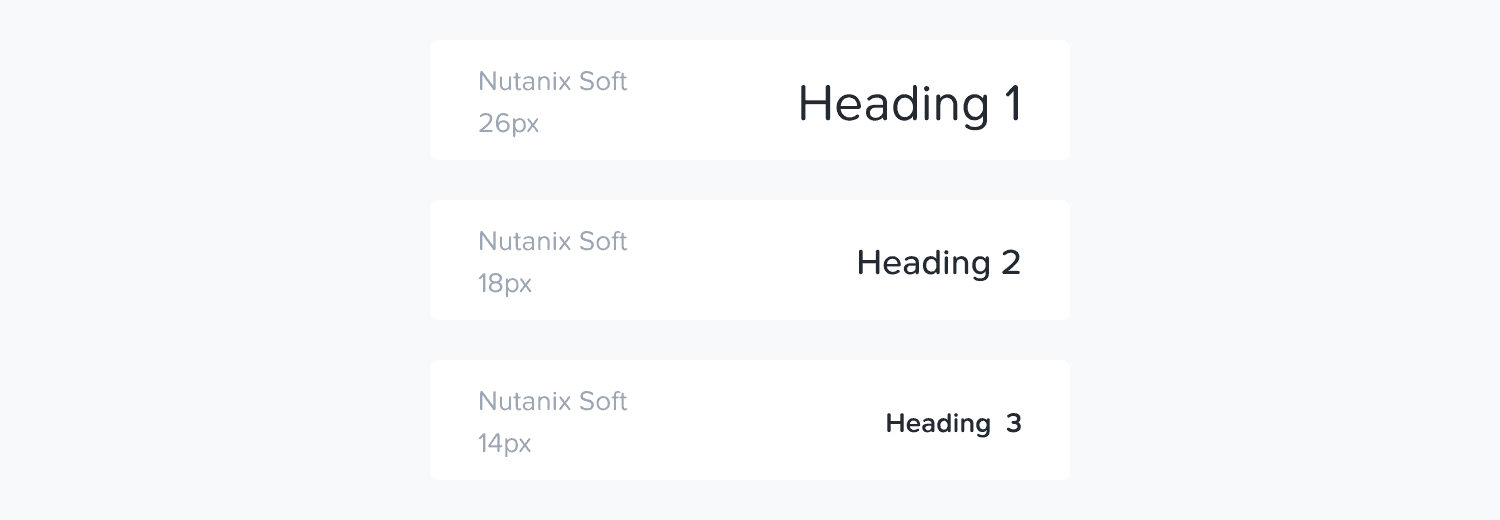
Heading Scale
Level | Size | Weight | Usage |
H1 | 32px | Thin/Semibold | Page titles, major section headers |
H2 | 24px | Semibold | Section headers, card titles |
H3 | 20px | Medium | Subsection headers, feature titles |
H4 | 16px | Medium | Minor section titles, list headers |
H5 | 14px | Semibold | Small section titles, emphasized content |
Figma Implementation
Apply the appropriate text style from the design library
Titles should use appropriate line-height values (generally 1.2-1.3× the font size)
Maintain consistent spacing between titles and content (typically Medium spacing between title and content)
Paragraph
Paragraphs form the foundation of our content. They always start on a new line and typically appear as blocks of text.
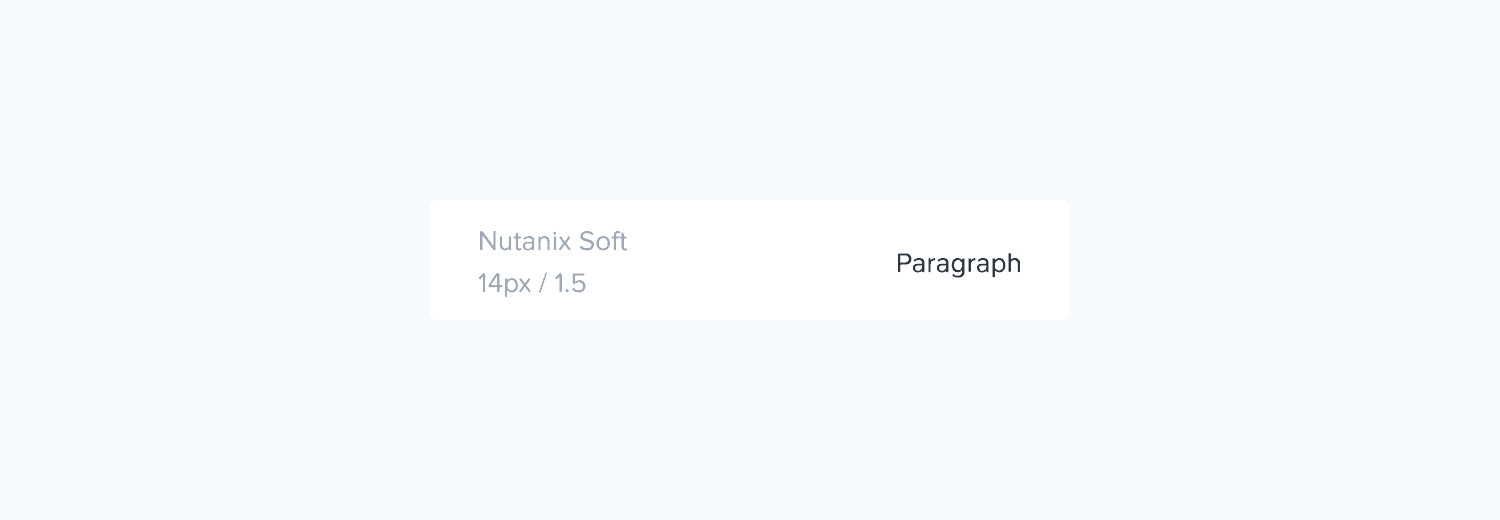
Paragraph Styles
Style | Size | Weight | Usage |
Body Large | 16px | Regular | Primary content, important information |
Body | 14px | Regular | Standard content, descriptions, most UI text |
Body Small | 12px | Regular | Secondary information, UI support text |
Figma Implementation
Apply the appropriate text style from the design library
Use consistent line height (generally 1.5× the font size for paragraphs)
Apply proper paragraph spacing (typically Small spacing between paragraphs)
Label
Small text elements used to describe, associate, or inform without drawing attention away from the primary content or task.
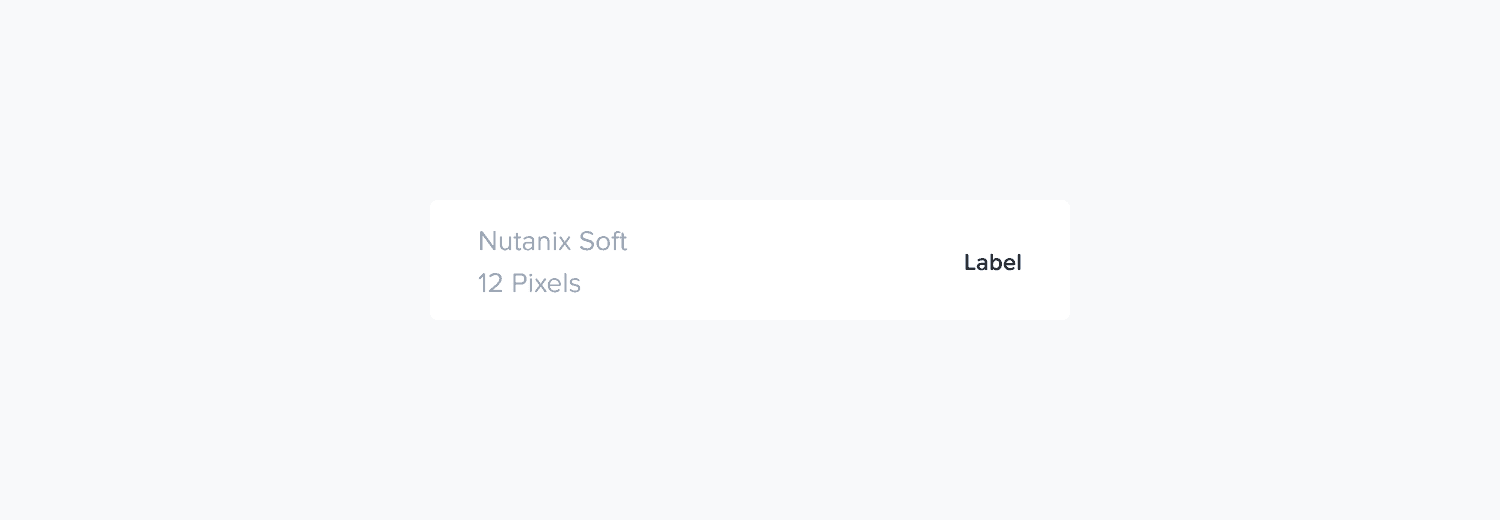
Label Styles
Style | Size | Weight | Usage |
Label | 12px | Medium | Form field labels, secondary navigation |
Caption | 10px | Regular | Supporting text, timestamps, metadata |
Figma Implementation
Apply the appropriate text style from the design library
Maintain consistent spacing between labels and their associated elements (typically Extra Small spacing)
Use label styles consistently across similar components
Code + Monospaced Font
For code representation, we use Menlo as our monospaced typeface. Unlike Nutanix Soft, Menlo has equal spacing between characters, making it ideal for code display.
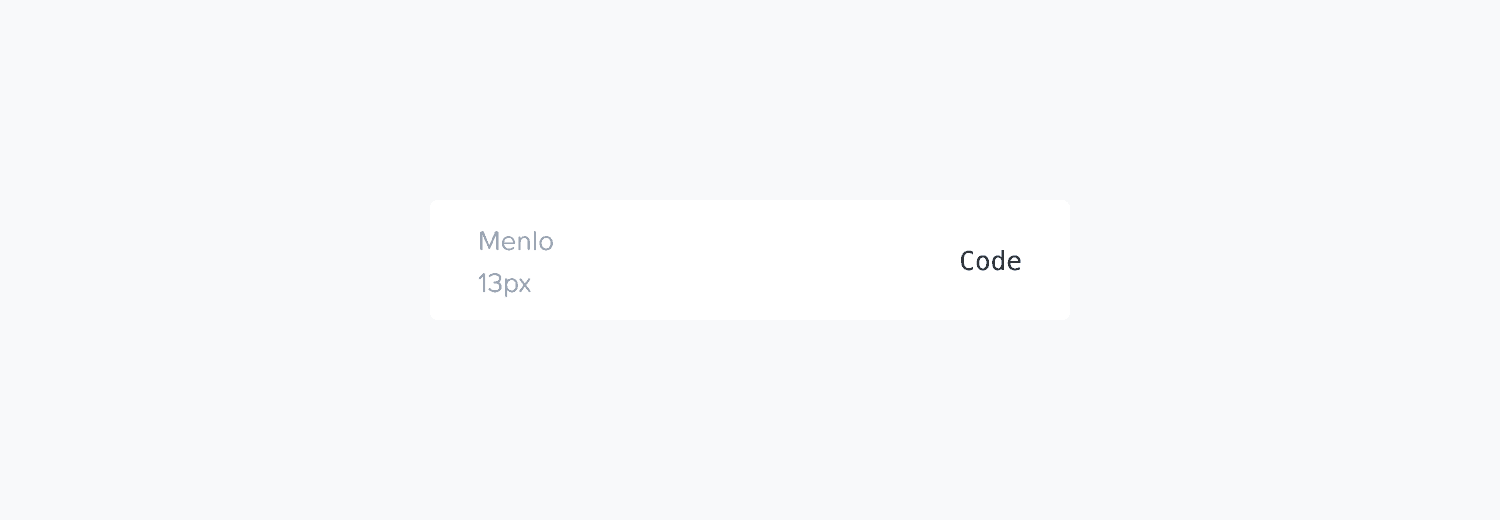
Code Styles
Style | Size | Usage |
Code | 13px | Standard code blocks, terminal commands |
Figma Implementation
Use Menlo font for all code representations
Apply appropriate monospace text styles from the design library
Use dedicated code block components when displaying multiline code
Typographic Scale
(🔺 Outdated)
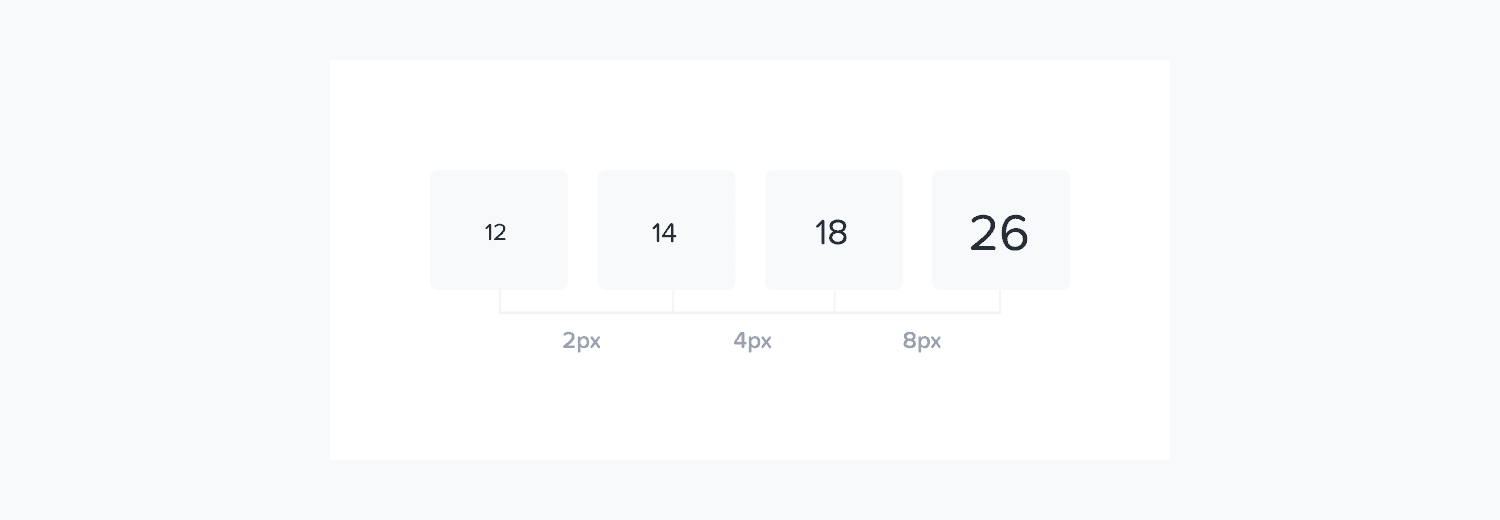
Our typographic scale is based on an exponential function derived from our smallest supported font size (10px). This creates a harmonious progression that ensures proper visual hierarchy.
Type Size | Pixel Value | Relative Scale |
Size 1 | 10px | Caption, smallest UI text |
Size 2 | 12px | Small UI text, labels |
Size 3 | 14px | Body text, most UI elements |
Size 4 | 16px | Large body text, important UI |
Size 5 | 20px | Small headings, emphasized content |
Size 6 | 24px | Medium headings |
Size 7 | 32px | Large headings, page titles |