⚠️ Colors are still a WIP please be careful with the Rebrand Token colors.
Overview
The Illustration Library now features colors inspired by the brand color tokens from the Design Library. We've transitioned from using Styles to Color Variables in the updated Library.
Currently, we offer two distinct palettes: the existing palette, which incorporates cool grays with blue highlights, and the newer rebranded palette, showcasing neutral grays complemented by purple highlights.
Additionally, both palettes come equipped with theming options, including a Dark mode for enhanced usability.
Light
The primary color for illustrations is Grey, which serves as the Main Color.
Blue is utilized as a highlight to indicate activity, success, or areas of interest, and is classified as Highlight Color.
Red signifies errors and warning and is the Error Color.
In special use-cases and legacy illustrations, Yellow is employed to represent money, categorized as the Extra Color. We have replaced the Extra Color with the Highlight Color in the newer illustrations
Widget illustrations only use Grey, i.e. the Main palette.
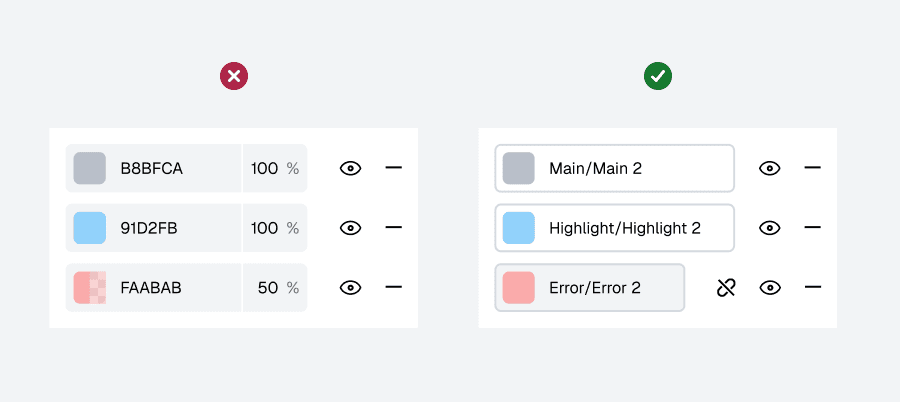
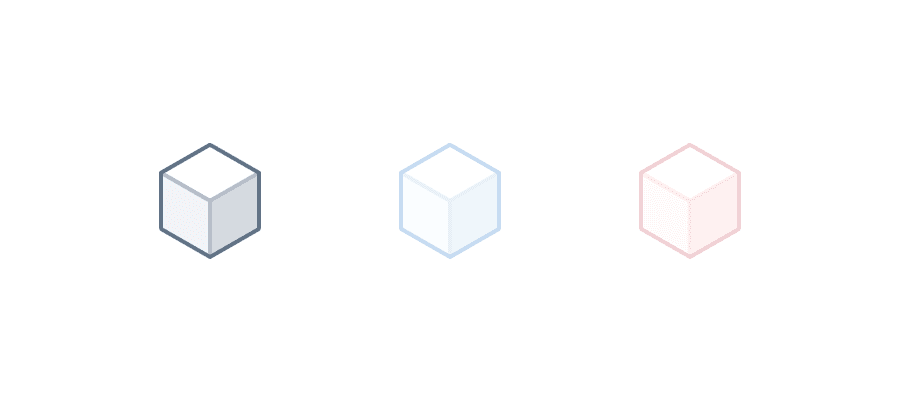
MAIN
Color | Name | Description |
|---|---|---|
#627386 | Main/Main 1 | Logos and important details inside |
#b8bfca | Main/Main 2 | Darkest areas and important details inside |
#d5dae0 | Main/Main 3 | Areas with less light |
#f2f4f6 | Main/Main 4 | Areas with moderate light |
#ffffff | Main/Main 5 | Areas with most light/Luminosity |
#627386 | Main/Main Stroke 1 | Outer stroke |
#b8bfca | Main/Main Stroke 2 | Inner stroke. Outer stroke for Small Illustrations |
#d5dae0 | Main/Main Stroke 3 | Stroke used in details |
#f2f4f6 | Main/Main Stroke 4 | Stroke used in details, common in rounded objects |
#ffffff | Main/Main Stroke 5 | Inner stroke used for luminosity and objects with dark faces |
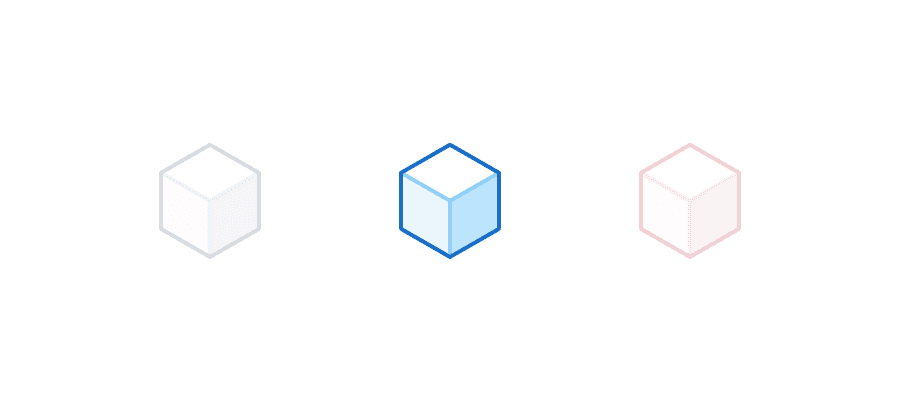
HIGHLIGHT
Color | Name | Description |
|---|---|---|
#1b6dc6 | Highlight/Highlight 1 | Logos and important details inside |
#91d2fb | Highlight/Highlight 2 | Darkest areas and important details inside |
#bde4fd | Highlight/Highlight 3 | Areas with less light |
#d3edfd | Highlight/Highlight 4 | Areas with moderate light |
#e9f6fe | Highlight/Highlight 5 | Areas with moderate-good light |
#ffffff | Highlight/Highlight 6 | Areas with most light/Luminosity |
#1b6dc6 | Highlight/Highlight Stroke 1 | Logos and important details inside |
#91d2fb | Highlight/Highlight Stroke 2 | Darkest areas and important details inside |
#bde4fd | Highlight/Highlight Stroke 3 | Areas with less light |
#d3edfd | Highlight/Highlight Stroke 4 | Areas with moderate light |
#e9f6fe | Highlight/Highlight Stroke 5 | Areas with moderate-good light |
#ffffff | Highlight/Highlight Stroke 6 | Areas with most light/Luminosity |
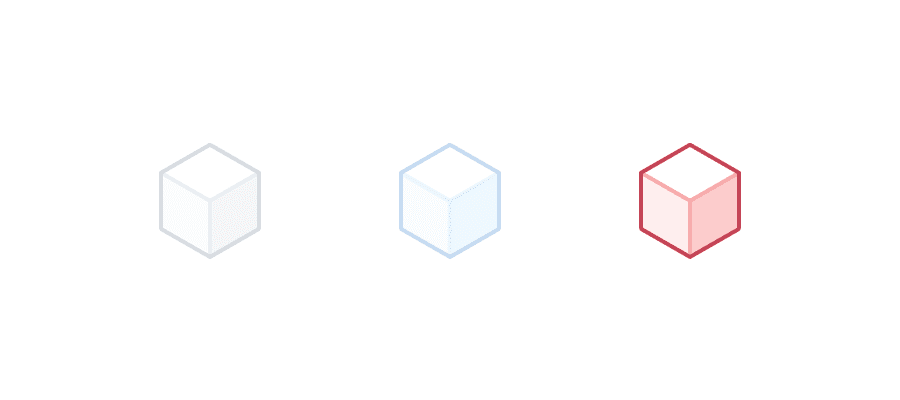
ERROR
Color | Name | Description |
|---|---|---|
#c44556 | Error/Error 1 | Logos and important details inside |
#faabab | Error/Error 2 | Darkest areas and important details inside |
#fccccc | Error/Error 3 | Areas with less light |
#fddddd | Error/Error 4 | Areas with moderate light |
#feeeee | Error/Error 5 | Areas with moderate-good light |
#ffffff | Error/Error 6 | Areas with most light/Luminosity |
#c44556 | Error/Error Stroke 1 | Logos and important details inside |
#faabab | Error/Error Stroke 2 | Darkest areas and important details inside |
#fccccc | Error/Error Stroke 3 | Areas with less light |
#fddddd | Error/Error Stroke 4 | Areas with moderate light |
#feeeee | Error/Error Stroke 5 | Areas with moderate-good light |
#ffffff | Error/Error Stroke 6 | Areas with most light/Luminosity |
Rebrand Light
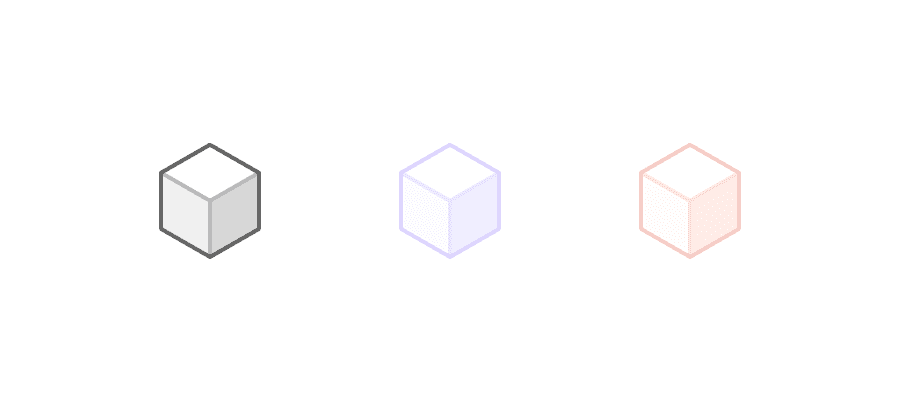
MAIN
Color | Name | Description |
|---|---|---|
#627386 | Main/Main 1 | Logos and important details inside |
#b8bfca | Main/Main 2 | Darkest areas and important details inside |
#d5dae0 | Main/Main 3 | Areas with less light |
#f2f4f6 | Main/Main 4 | Areas with moderate light |
#ffffff | Main/Main 5 | Areas with most light/Luminosity |
#627386 | Main/Main Stroke 1 | Outer stroke |
#b8bfca | Main/Main Stroke 2 | Inner stroke. Outer stroke for Small Illustrations |
#d5dae0 | Main/Main Stroke 3 | Stroke used in details |
#f2f4f6 | Main/Main Stroke 4 | Stroke used in details, common in rounded objects |
#ffffff | Main/Main Stroke 5 | Inner stroke used for luminosity and in objects with too many dark faces |
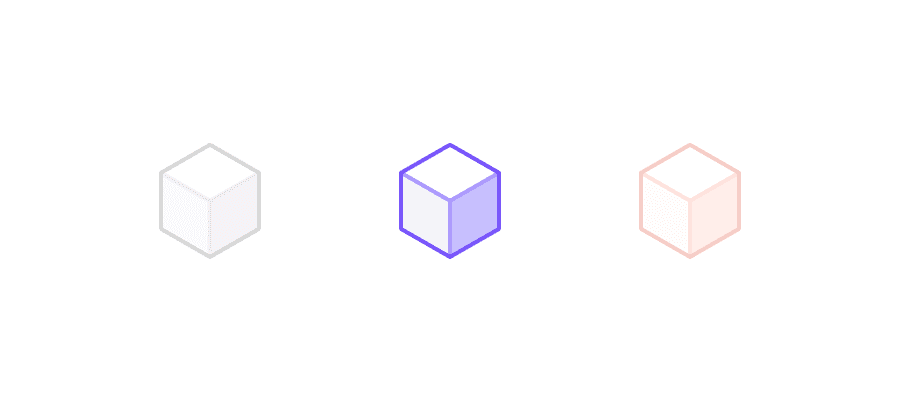
HIGHLIGHT
Color | Name | Description |
|---|---|---|
#1b6dc6 | Highlight/Highlight 1 | Logos and important details inside |
#91d2fb | Highlight/Highlight 2 | Darkest areas and important details inside |
#bde4fd | Highlight/Highlight 3 | Areas with less light |
#d3edfd | Highlight/Highlight 4 | Areas with moderate light |
#e9f6fe | Highlight/Highlight 5 | Areas with moderate-good light |
#ffffff | Highlight/Highlight 6 | Areas with most light/Luminosity |
#1b6dc6 | Highlight/Highlight Stroke 1 | Logos and important details inside |
#91d2fb | Highlight/Highlight Stroke 2 | Darkest areas and important details inside |
#bde4fd | Highlight/Highlight Stroke 3 | Areas with less light |
#d3edfd | Highlight/Highlight Stroke 4 | Areas with moderate light |
#e9f6fe | Highlight/Highlight Stroke 5 | Areas with moderate-good light |
#ffffff | Highlight/Highlight Stroke 6 | Areas with most light/Luminosity |
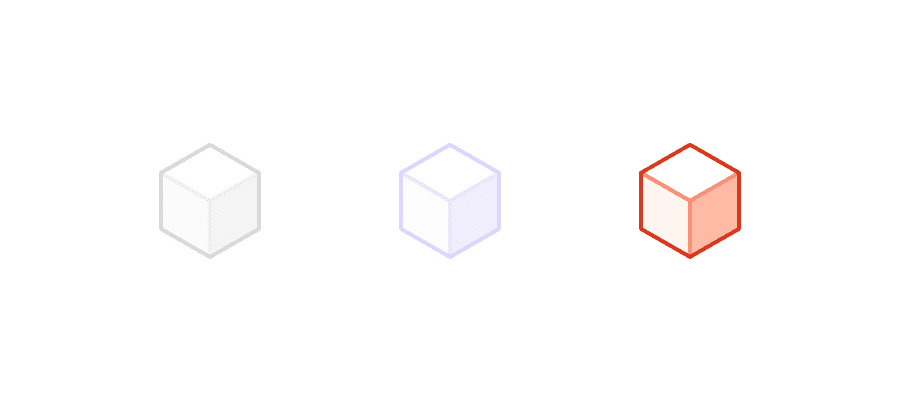
ERROR
Color | Name | Description |
|---|---|---|
#c44556 | Error/Error 1 | Logos and important details inside |
#faabab | Error/Error 2 | Darkest areas and important details inside |
#fccccc | Error/Error 3 | Areas with less light |
#fddddd | Error/Error 4 | Areas with moderate light |
#feeeee | Error/Error 5 | Areas with moderate-good light |
#ffffff | Error/Error 6 | Areas with most light/Luminosity |
#c44556 | Error/Error Stroke 1 | Logos and important details inside |
#faabab | Error/Error Stroke 2 | Darkest areas and important details inside |
#fccccc | Error/Error Stroke 3 | Areas with less light |
#fddddd | Error/Error Stroke 4 | Areas with moderate light |
#feeeee | Error/Error Stroke 5 | Areas with moderate-good light |
#ffffff | Error/Error Stroke 6 | Areas with most light/Luminosity |